
Vaults & Customers
Track physical vaults per site and the customers those firearms and ammunition belong to. Every customer's record shows their linked firearms and licences at a glance, scoped to your own user-agent group.
DataDam module
Firearm and ammunition vault management for South African licensed dealers — vaults, customers, licences and stock, with humidity-monitored storage and an AI-assisted way to digitise the SAPS register you already keep.
What's included
From day-to-day stock control to the SAPS-mandated paper trail, Vault Guard keeps it in one auditable system.
Track physical vaults per site and the customers those firearms and ammunition belong to. Every customer's record shows their linked firearms and licences at a glance, scoped to your own user-agent group.
Firearms, ammunition, magazines and accessories tracked against a master reference catalogue, each with a printable QR code and a full work log — check-in/check-out, transfers, gunsmith work, cleaning and inspections.
Keep firearm licences and their compliance detail alongside the physical stock they cover, with intake purpose and gunsmith-work status tracked automatically as licence events.
Photograph a page of the paper SAPS Firearms Stock and Safe Custody Register from your phone. A self-hosted vision model reads it on a nightly batch, fuzzy-matches rows against existing stock, deduplicates suppliers into customer records and links them through a licence — then stages everything for human review before anything is written. Nothing ever leaves your own server.
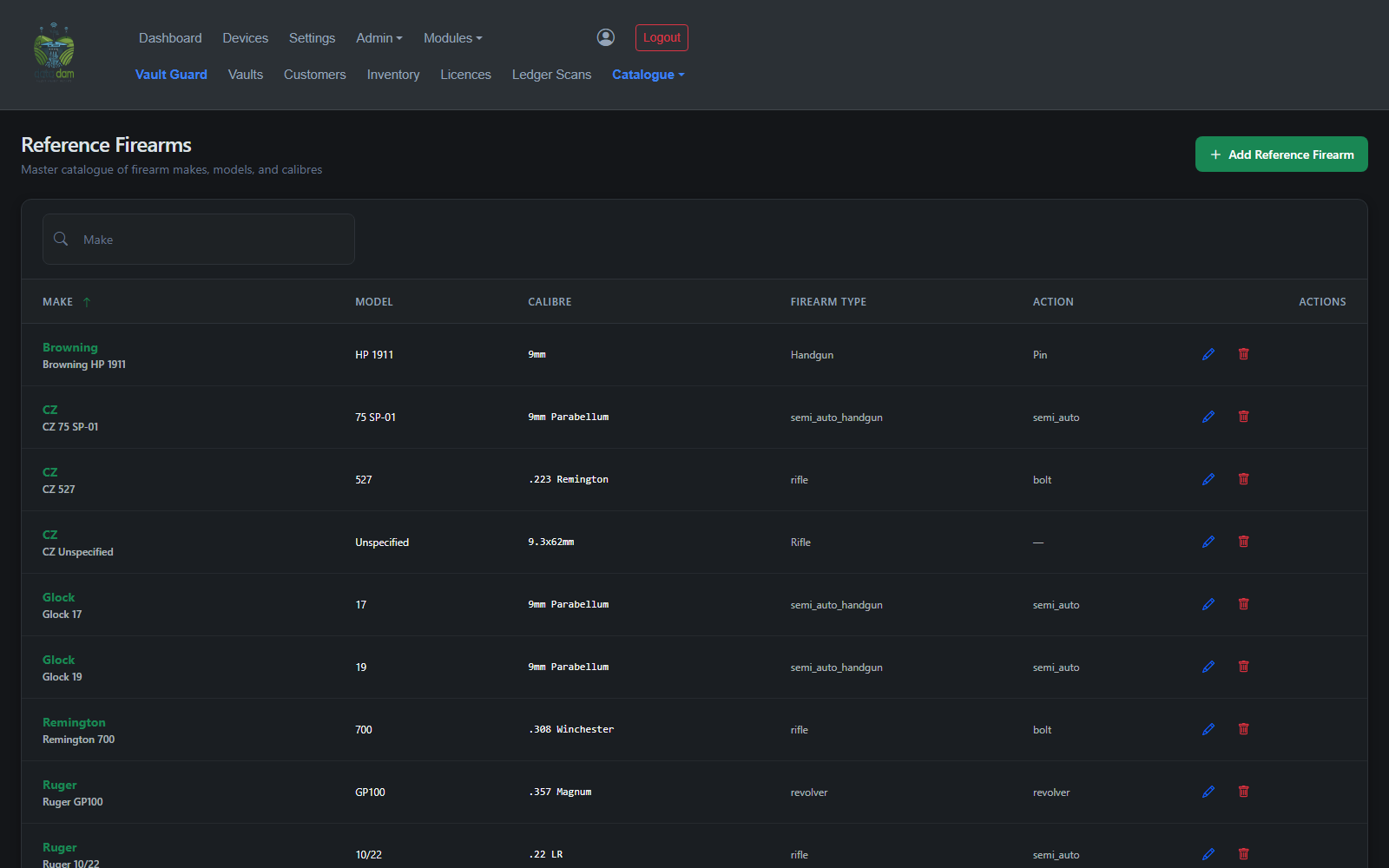
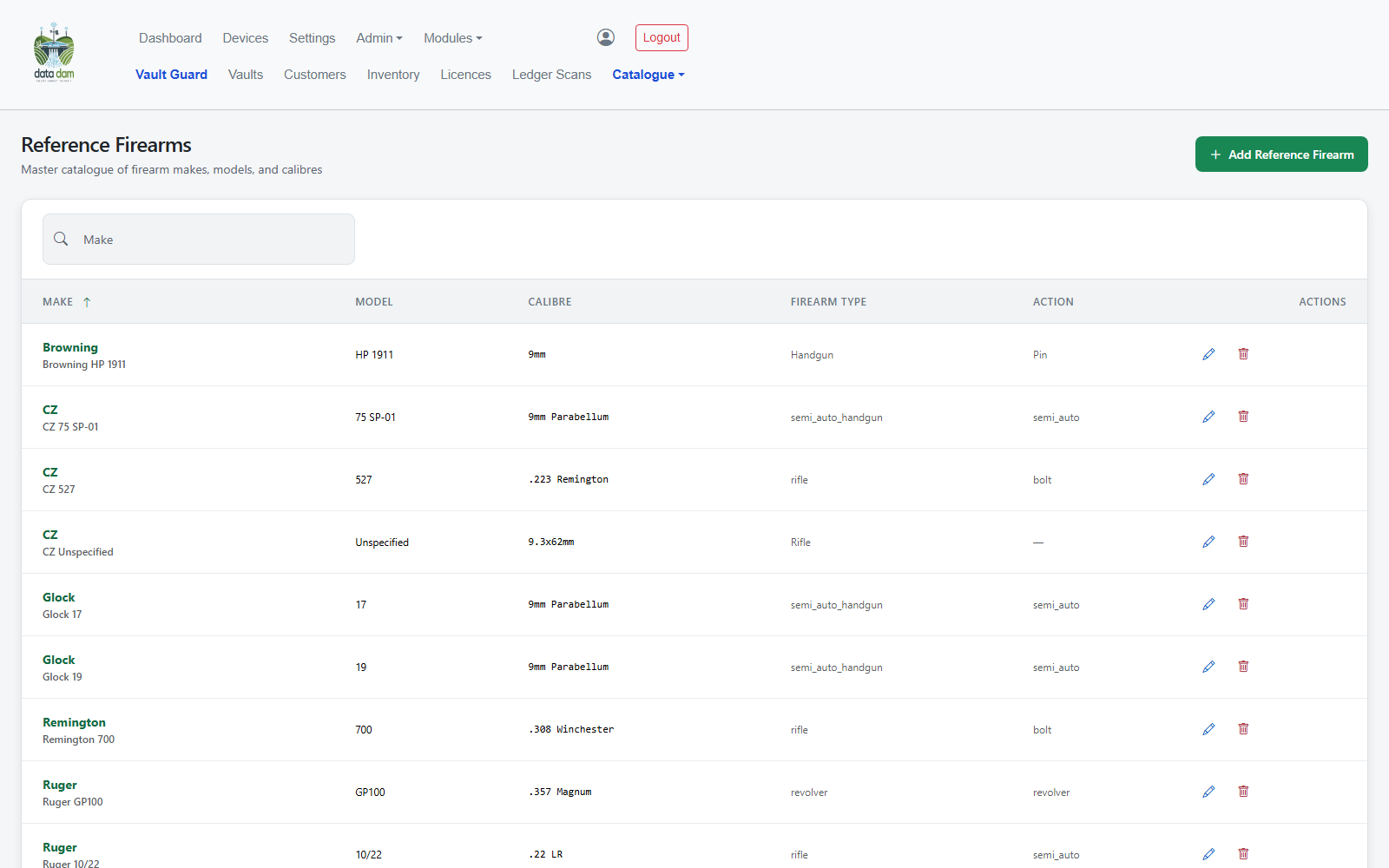
Master firearm and item catalogues — make, model, calibre — shared across the group and curated by an admin.
Link a vault to a DataDam humidity sensor and watch live and historical readings alongside the stock it protects — the same IoT telemetry that powers the weather station platform, applied to compliance.
Role-gated access control with per-user-agent-group scoping, so operators only see their own vault's data while a super-admin sees across all groups.
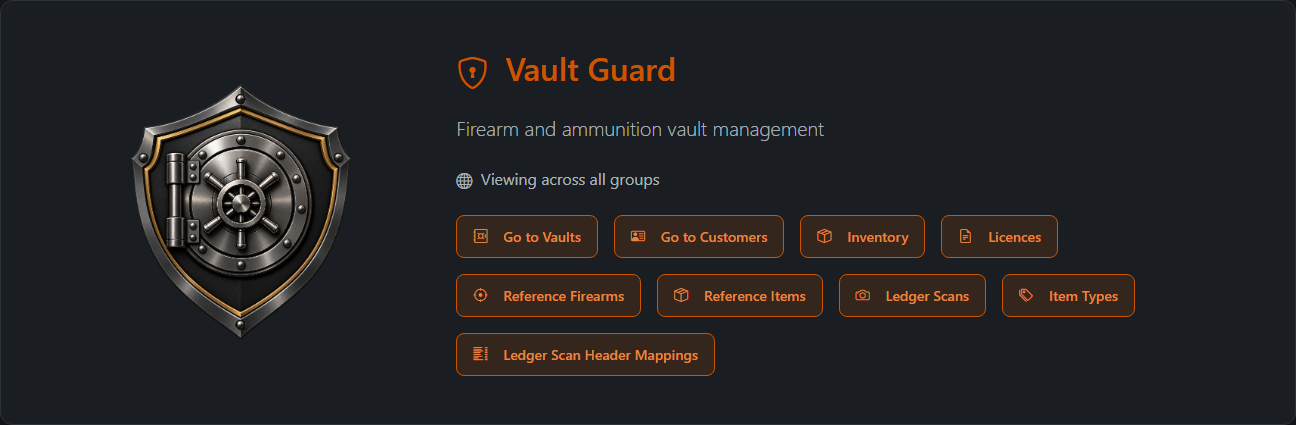
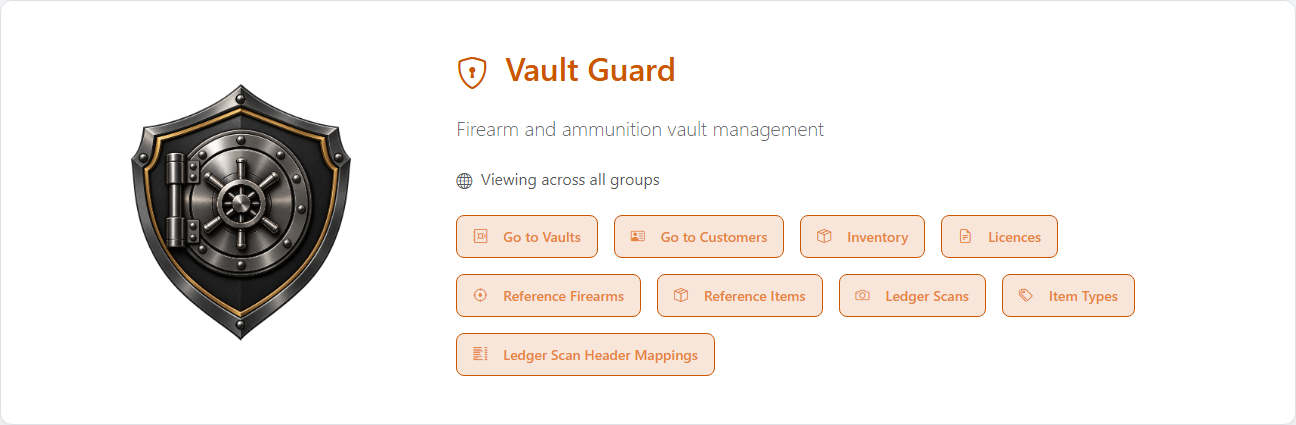
See it in both themes
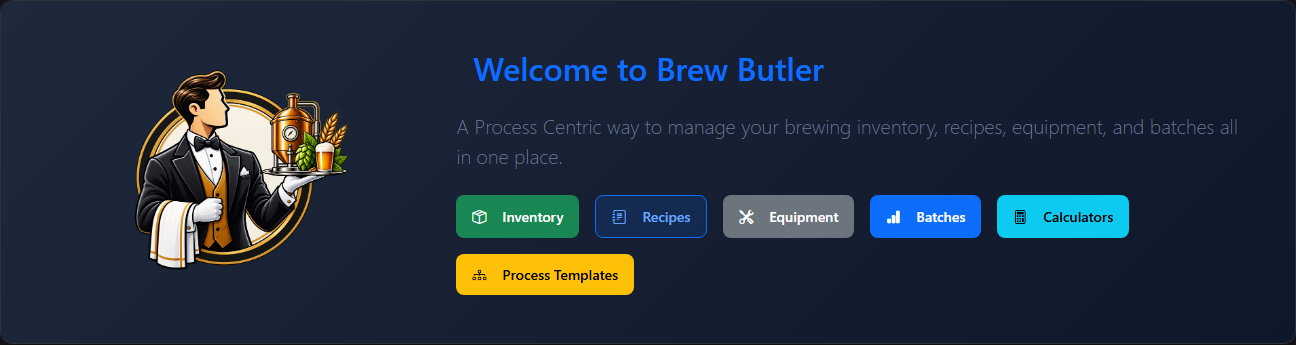
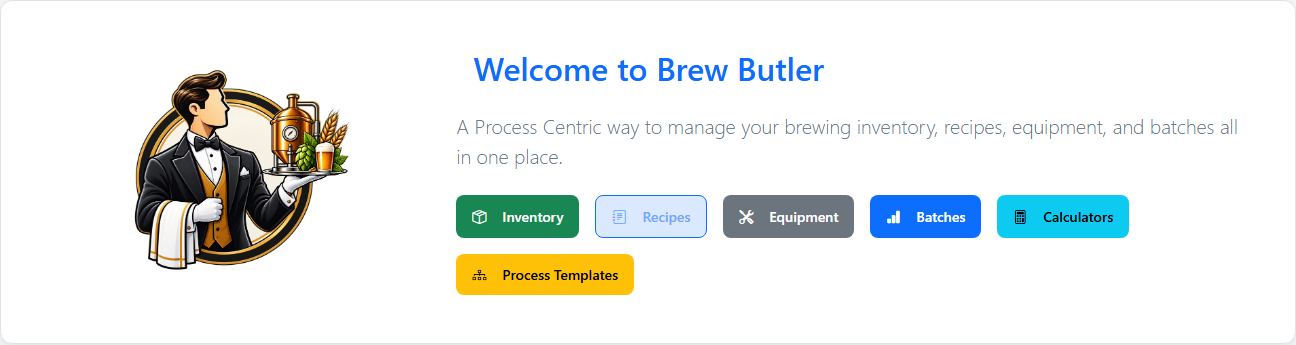
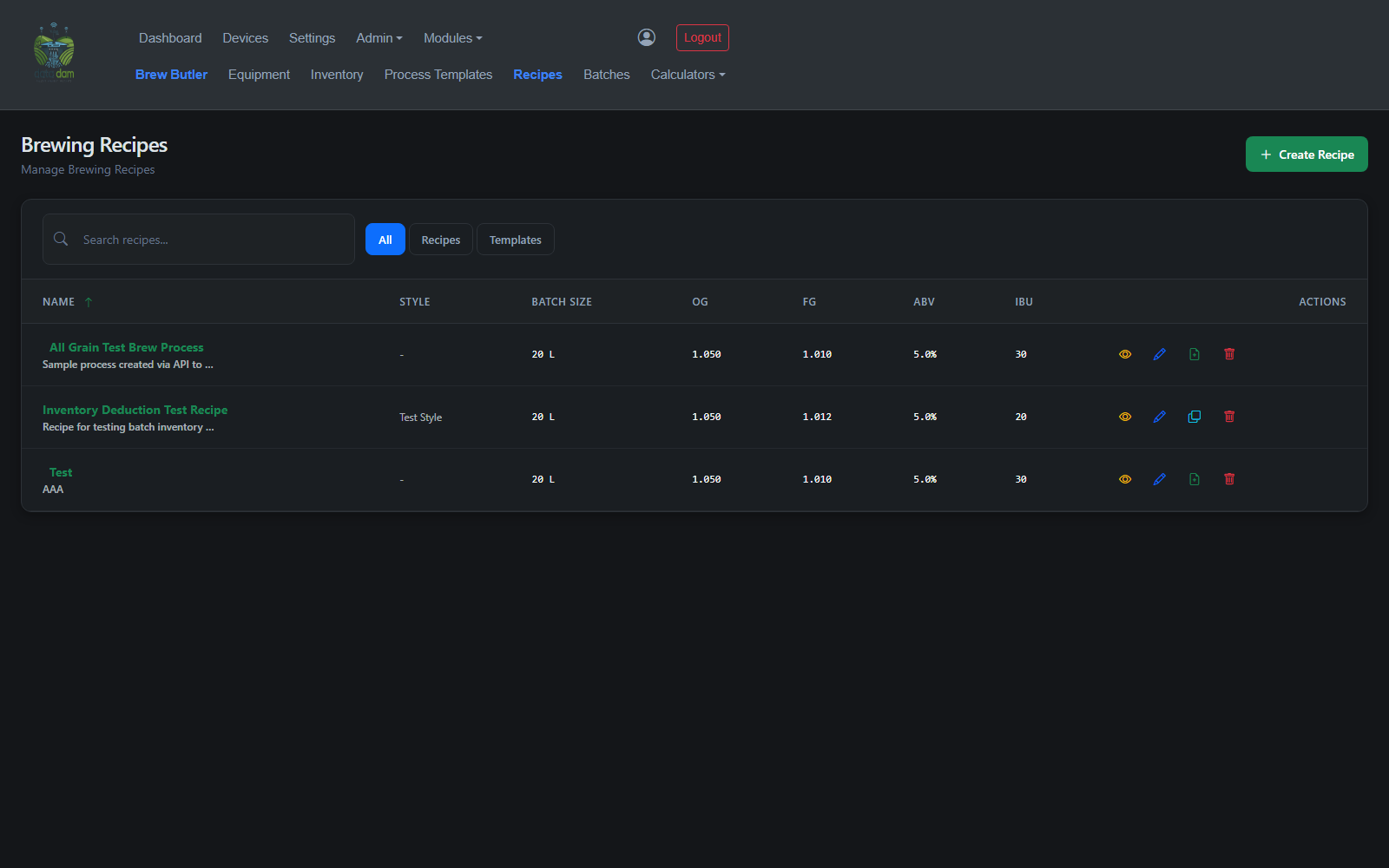
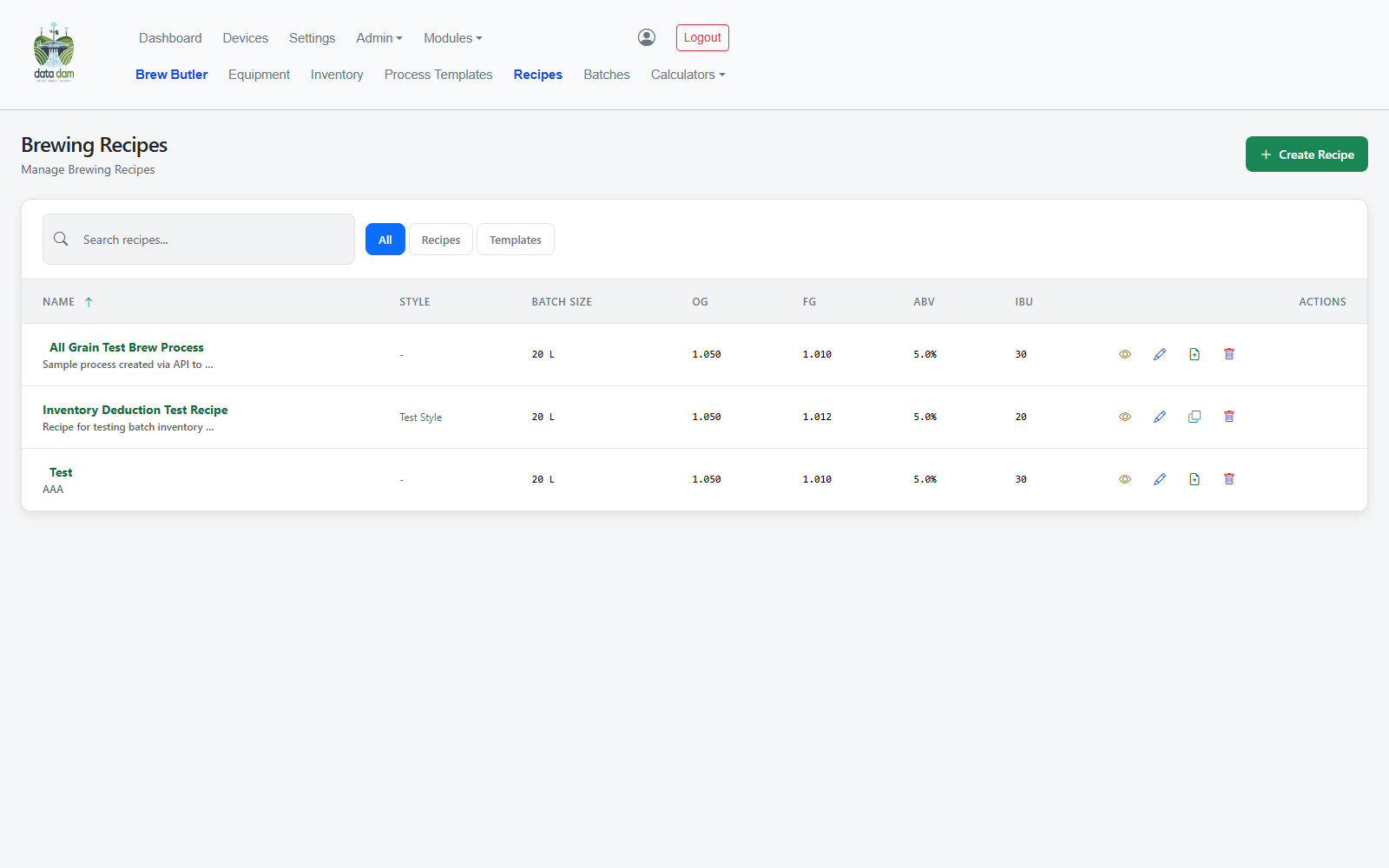
Every screen in DataDam — Vault Guard included — adapts instantly to each user's own theme preference, remembered across logins.
Get in touch
Contact the team for a live demonstration of Vault Guard.